
Turn Empty Rooms Into Beautiful, Listing-Ready Interiors
AI virtual staging and room redesign for realtors, homeowners, and interior designers.
No credit card required · Free plan available
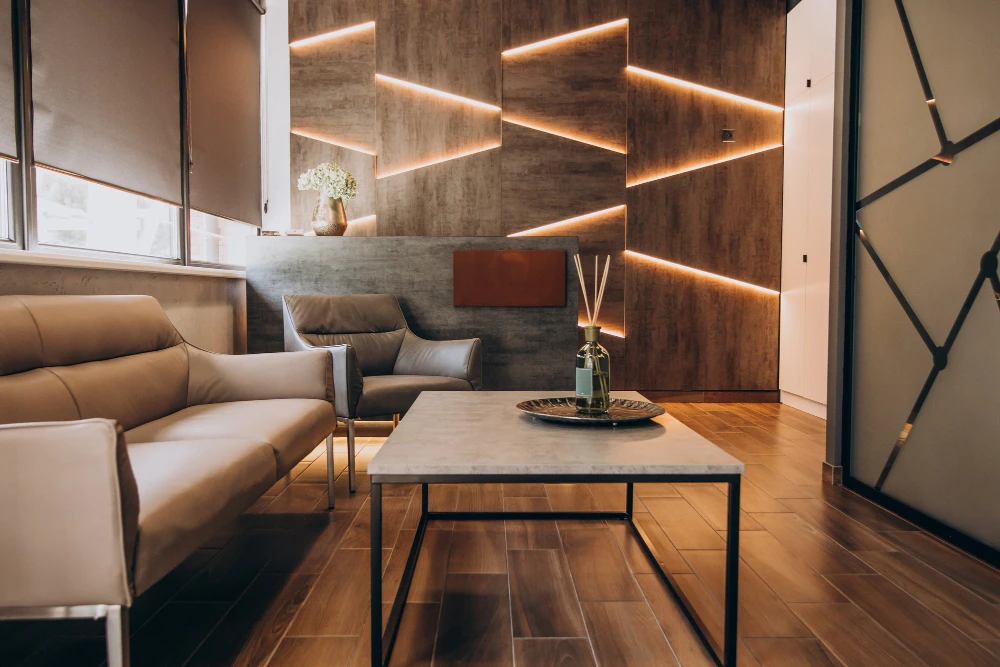
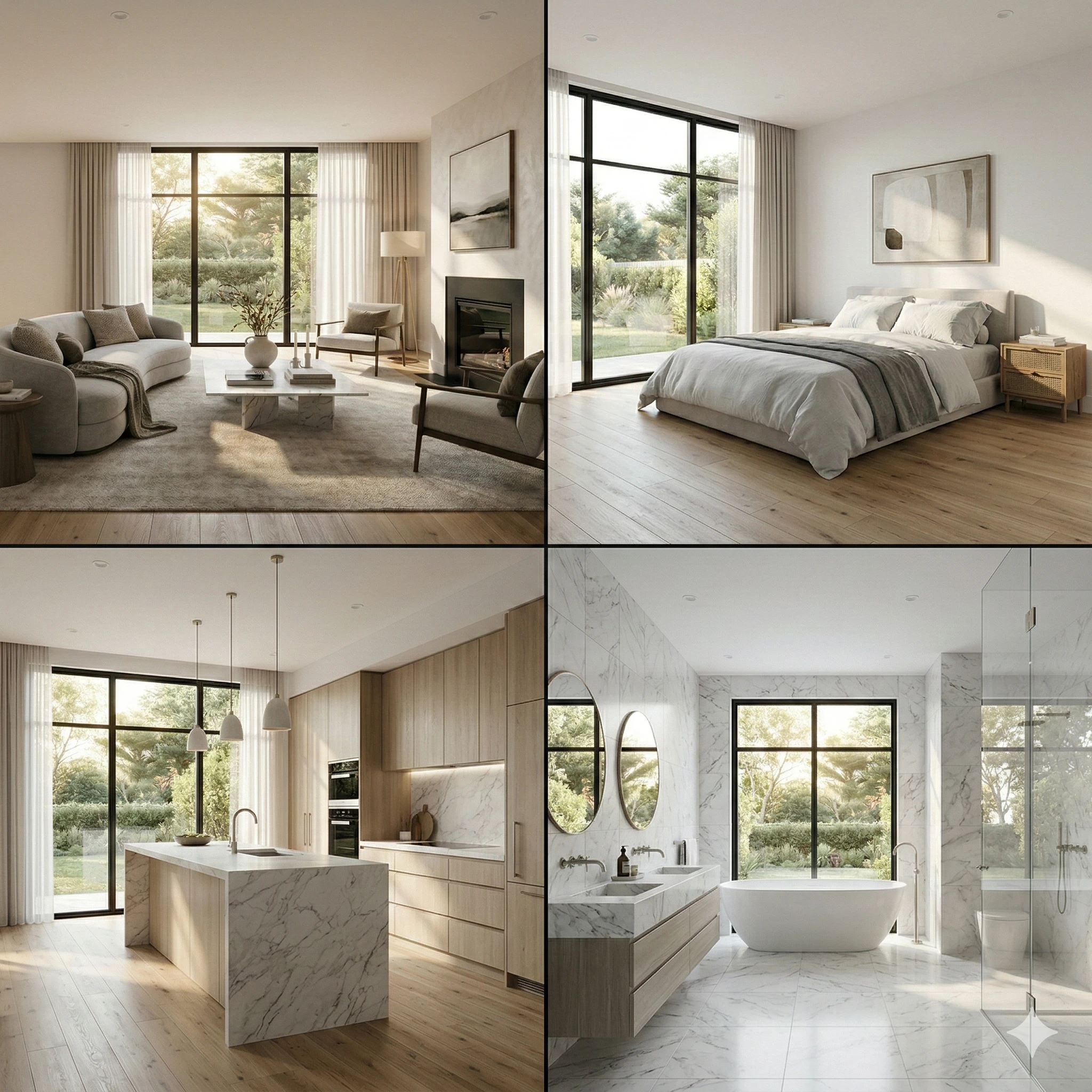 Multi-Room
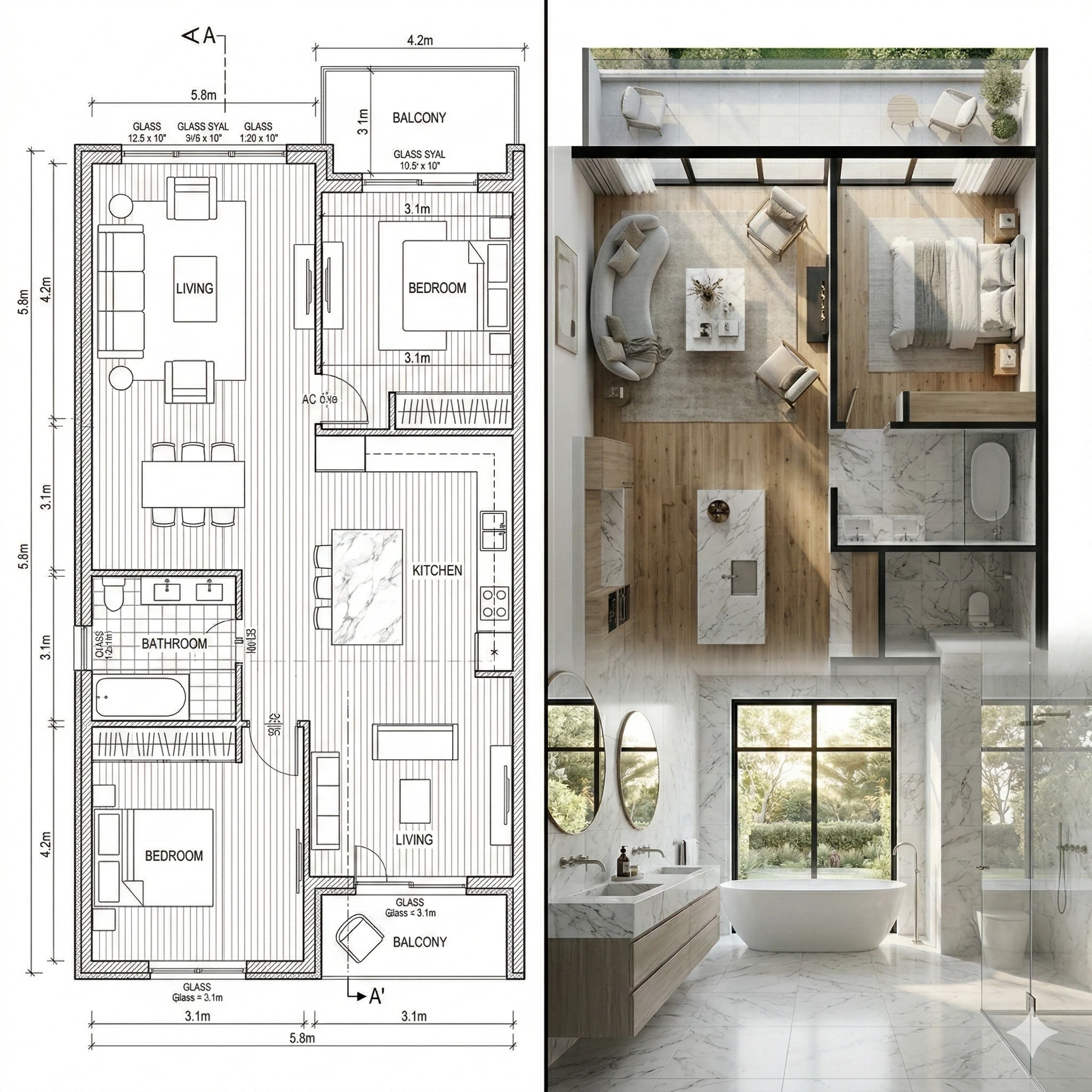 Floor Plan
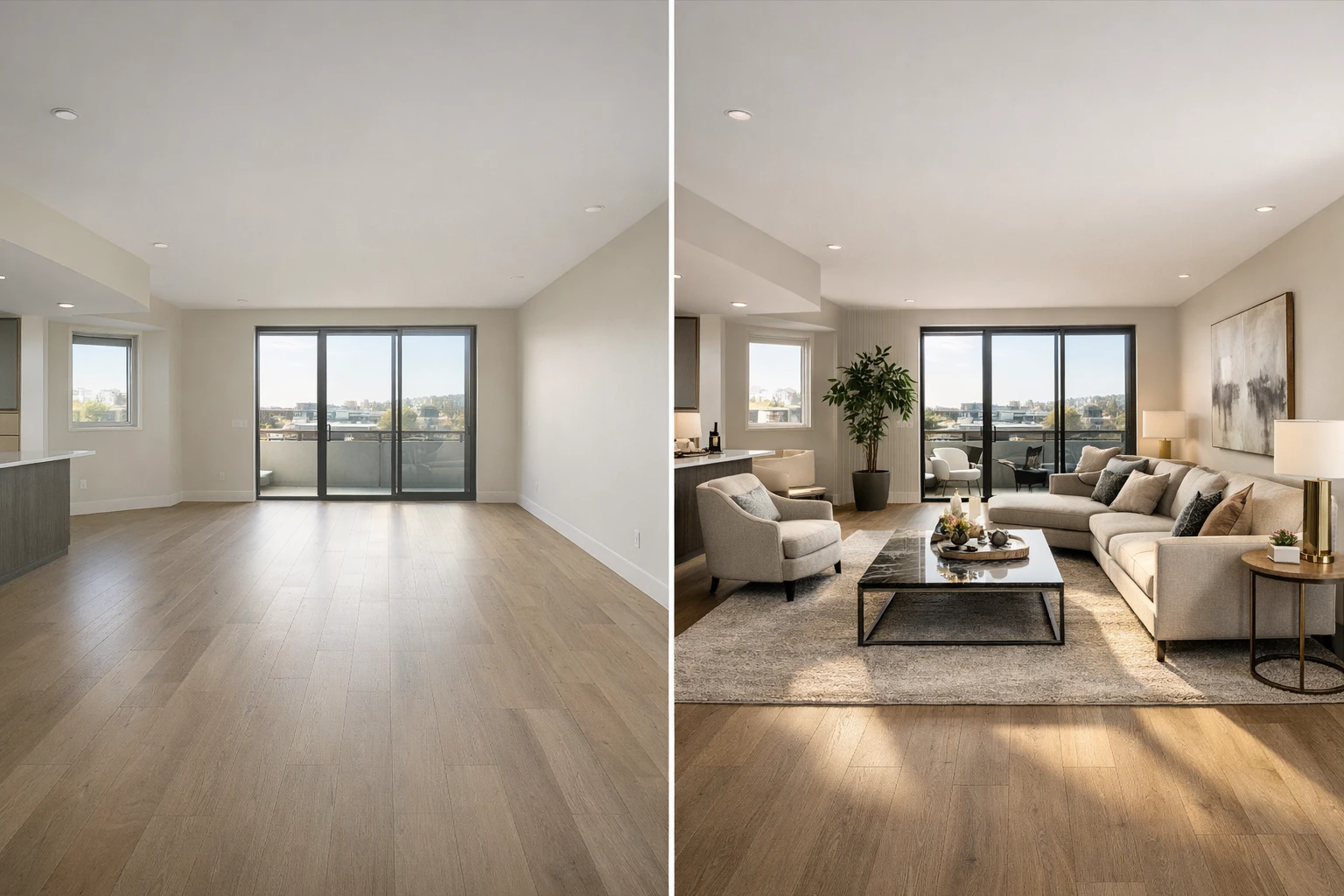 Virtual Staging
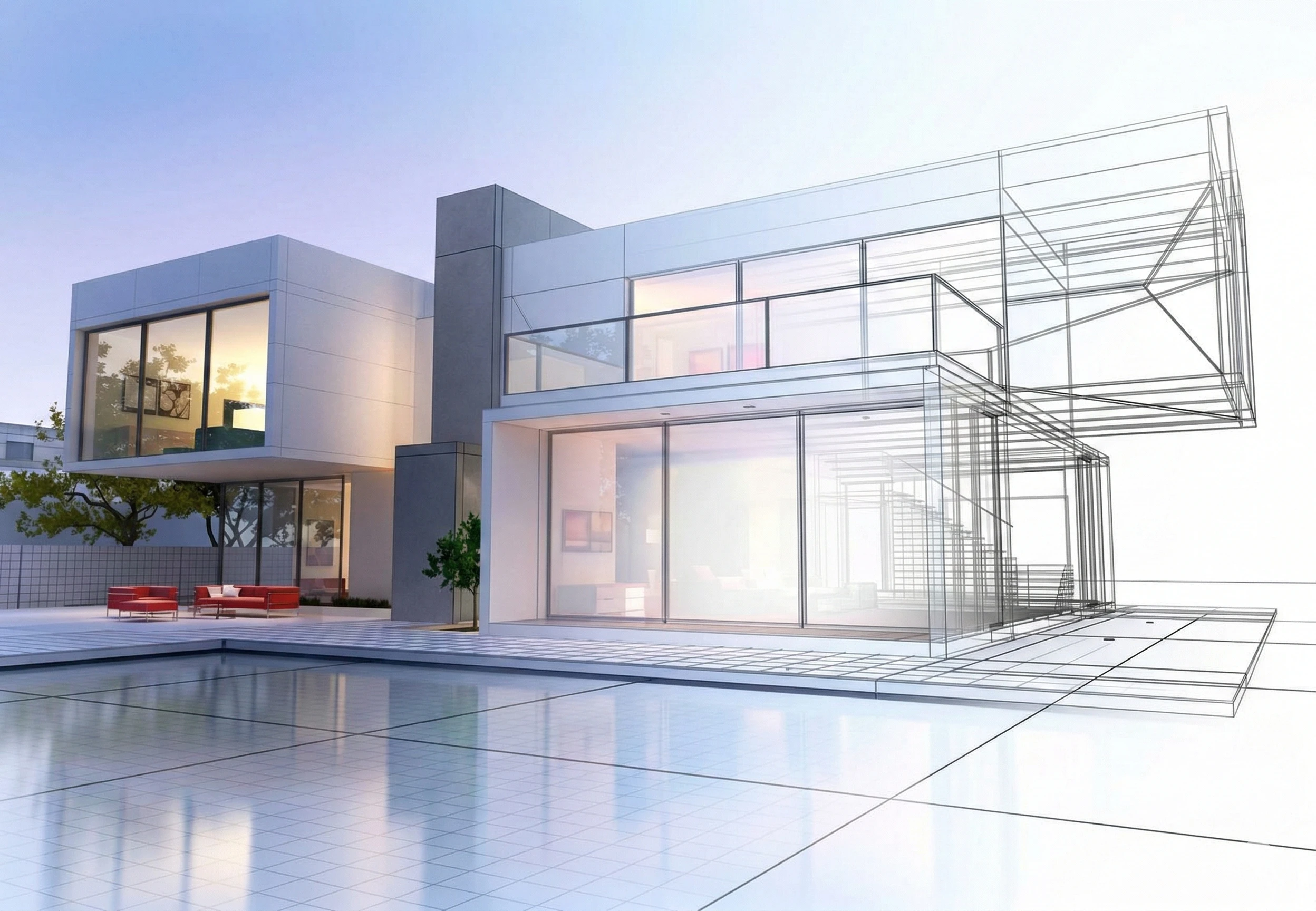 Architecture
No credit card required · Free plan available
See the transformation.
Drag the slider to reveal the before. Scroll to explore more.
Three steps to stunning.
No learning curve. No design degree. Just results.
Everything. In one studio.
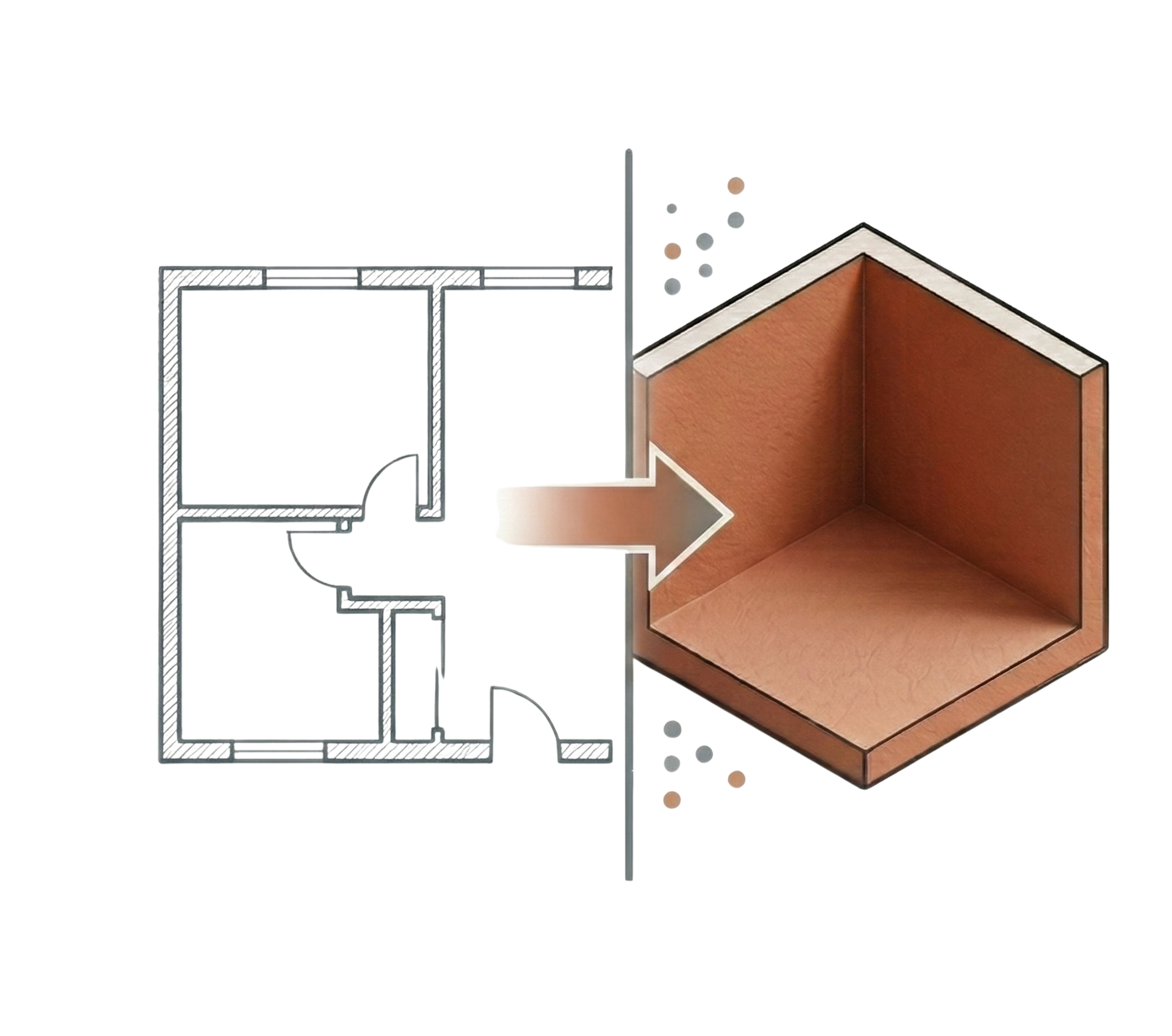
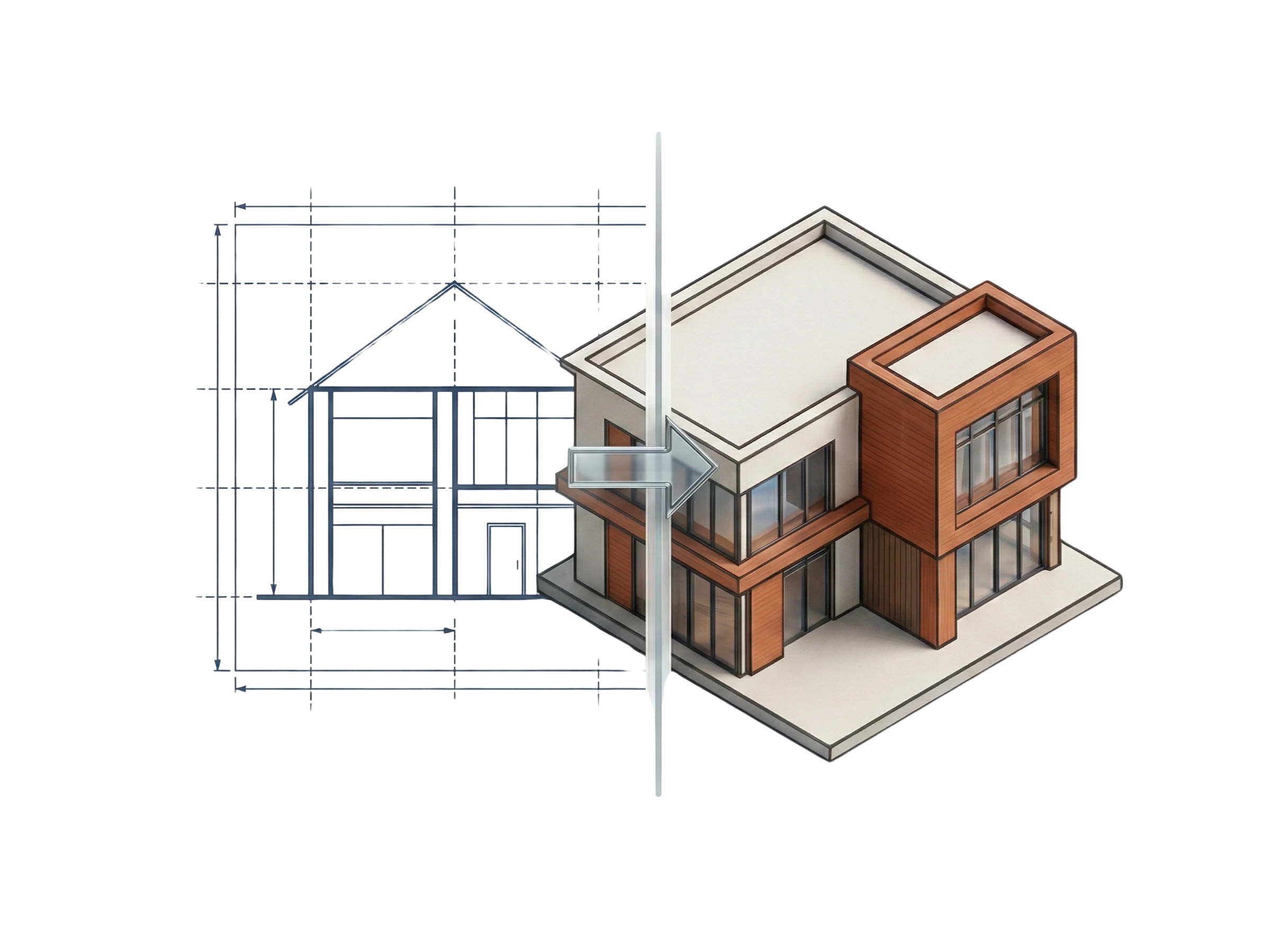
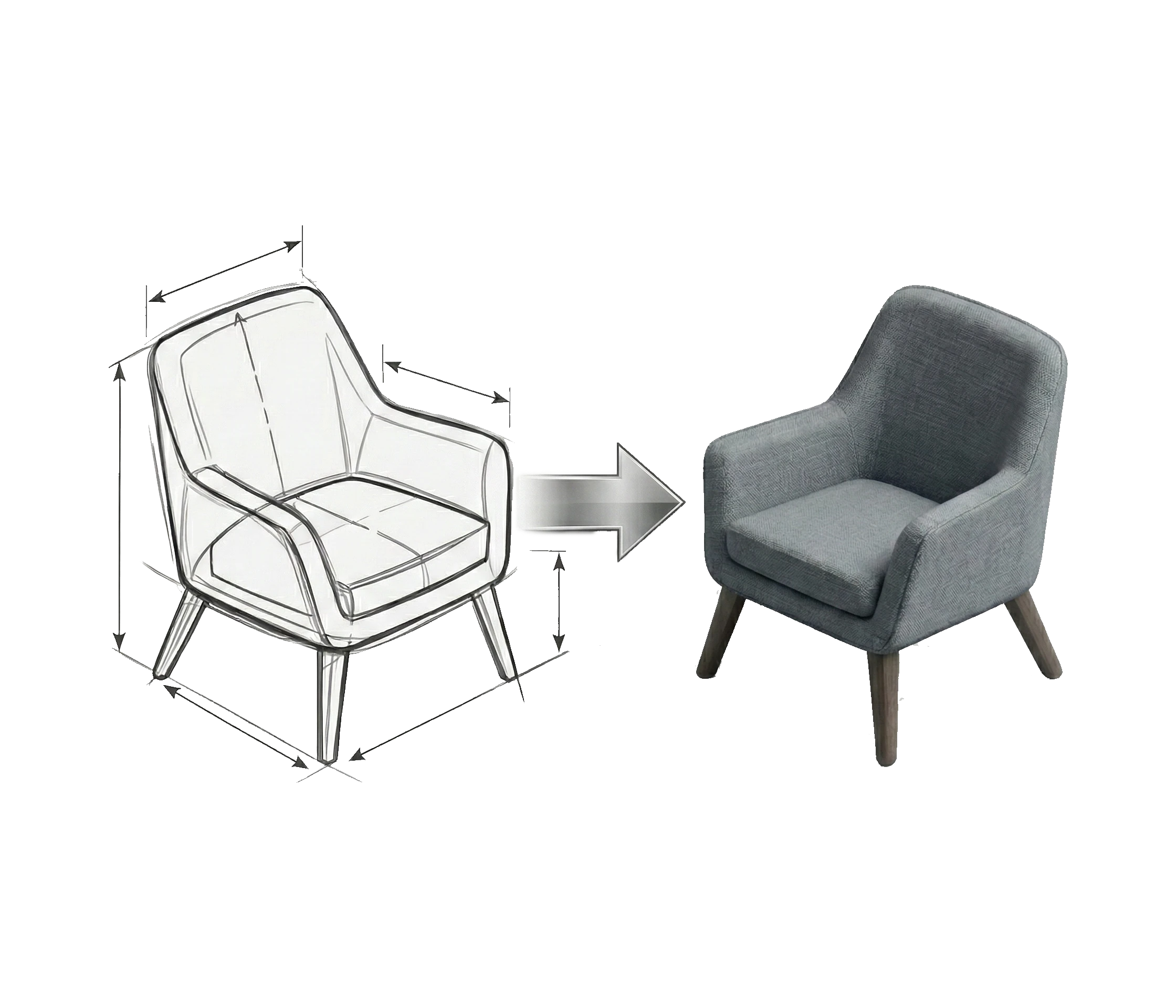

Cinematic Walkthroughs.
Create stunning pan, boom, and dolly animations straight from your designs to captivate clients.

Start free. Scale when ready.
No subscriptions. Buy credits, use them, top up when needed.
Secure payment processing
FAQ
Questions? Answered.
Everything you need to know before you start.
Do I need any design experience?
Not at all. If you can upload a photo and pick a style, you're good. Spaciq handles the rest — no design degree, no software skills, no learning curve.
How long does a render take?
Most renders are ready in 15–45 seconds. Video walkthroughs take slightly longer depending on length and complexity. Either way, it's faster than any traditional rendering workflow.
What file types can I upload?
JPG, PNG, and PDF. That covers everything from a quick phone photo to a scanned architectural drawing or a high-res floor plan export.
How does Style Lock actually work?
When you start a multi-room project, you choose a design style once and lock it. Every room you render in that project — bedroom, kitchen, bathroom, living room — inherits the same style: furniture language, colour palette, materials, and lighting mood. No more clashing rooms.
Can I change the locked style mid-project?
Yes. You can unlock the style at any time, update it, and re-render individual rooms. Style Lock is a tool for consistency, not a constraint — you're always in control.
Will the renders look AI-generated or actually photorealistic?
Spaciq is built for professional-grade output. Results are photorealistic and designed to hold up in client presentations, property listings, and print. The 4K and 8K upscaling options are specifically there for high-resolution display.
Can I use Spaciq renders commercially?
Yes. All renders generated on paid plans are yours to use commercially — client decks, property listings, social media, printed materials, and beyond. No licensing restrictions or attribution required.
What happens when I hit my free plan limit?
You'll get a notification when you're close to your limit. You can buy a credit pack instantly and continue right away.
Do you offer subscriptions?
No monthly subscriptions. Billing is credit-pack based: buy credits, use them, and top up whenever you need more.